Start with the foundations › Adobe Analytics Fundamentals
What Is Adobe Analytics
Picture a small shop you have run for years. You never write anything down, but you still know a lot. You know your regulars and your once-in-a-while visitors. You know who comes in every week and who just looks around and leaves without buying. You can tell which shelves people crowd around and which ones they walk straight past. Some of this you pick up simply by being there and watching. The rest you learn from the till: who bought what, and for how much. Nobody taught you to do any of it, but it quietly tells you what is selling, what to stock more of, and where your money really comes from.
Now put that same shop online, and the watching stops. A website or an app gives you no way to see any of this on your own. You cannot watch the person who stared at the price and left, or the cart someone gave up on at the final step, or the one product everyone quietly loves. The visitors are still there, and they still leave a trail behind them, but online that trail is invisible. This is exactly the problem Adobe Analytics solves. It is the tool that makes all of it visible again. It quietly records what real people do on your site or app, and hands you back the view you used to have standing behind the counter.
Why not just server logs or your CRM?
You might think you already have this covered. Your web server keeps logs of everything it serves, and your CRM holds your customer list, so why add another tool? Because each one only sees a small slice of the picture. Server logs tell you that a request happened, but very little about what the visitor meant or did on the page. Your CRM only knows someone after they buy, which leaves out the much bigger crowd who looked around, thought about it, and left, even though many of them could become your best customers. Adobe Analytics is built to see exactly that crowd: the behavior around the sale, not just the sale itself.
Several tools fill this role: Google Analytics, Amplitude, Mixpanel, and others. By sheer numbers Google Analytics dominates the market. But Adobe Analytics has long been the heavyweight for large enterprises that need depth, flexibility, and customization rather than a quick out-of-the-box setup. How they genuinely differ is a topic of its own, and Adobe Analytics vs Google Analytics takes it up directly.
At its core, Adobe Analytics is one thing: a behavioral data platform. Everything else in this guide builds on that. It lives inside the Adobe Experience Cloud, and at large scale it does three things with that behavioral data. It collects what visitors do in near real time. It stores it in fine detail, built for deep digging rather than just simple dashboards. And it lets you ask questions of it from almost any angle, by visitor, by journey, by segment, long after the data was collected. That last point is what really sets it apart: plenty of tools can show you a number, but Adobe Analytics lets you keep asking brand-new questions of data you gathered months ago, without setting anything up again in advance.
What it actually does for you
- Shows the plain facts of behavior: your most-viewed pages, most-downloaded files, how many forms were submitted, and which browsers and devices people use.
- Exposes funnel leakage: exactly where visitors fall out of a flow, how many reach cart-add, how many reach checkout, and how many actually purchase.
- Lets you slice the journey: hit, visit, and visitor containers with sequential logic isolate behavior like "people who saw the pricing page, came back within a week, and converted."
- Explains, not just counts: attribution models, anomaly detection, and contribution analysis move you from "traffic dropped" to a likely why.
- Reports on your marketing: channel performance and first- and last-touch attribution, plus a click overlay (Activity Map) that shows how visitors react to the elements on your pages. Each of these has its own module.
Adobe Analytics does not count visits and visitors the way you might tally them by hand. It captures raw, hit-level data, then normalizes it into a form business users can read, and it computes the derived metrics, bounce rate, exit rate, conversion rate, average time spent, at the moment you ask for a report rather than storing them pre-baked. That is why you can change a segment or a date range and get a correct number back instantly: the raw material was always there, waiting for the question.
Almost everything else in this course is one box in that line examined up close: collecting the data, shaping it before anyone reads it, and analyzing what is there. Those three are the categories the rest of this course is built from. Hold this picture; it's the map for the rest.
Adobe Analytics is not a switch you flip on. It's a measurement system you design. The reports are only ever as honest as the implementation feeding them, and the data is captured forward, not backward. If a variable isn't being set today, no setting tomorrow will recover what you should have measured last month. Teams that treat it as "install and it just works" spend their first year analyzing data they can't fully trust. Design what you measure deliberately, before you need the answer.
Adobe Analytics is most powerful when it stops being a standalone reporting tool. Connected to Adobe Target (testing), Audience Manager (audiences), and increasingly Customer Journey Analytics, the same behavioral data that explains the past also drives what each visitor sees next.
Which quietly raises a question. If Adobe Analytics is at its best when it stops standing alone, then what exactly is it standing with? That is the Adobe Analytics Ecosystem, and it is bigger than most people expect.
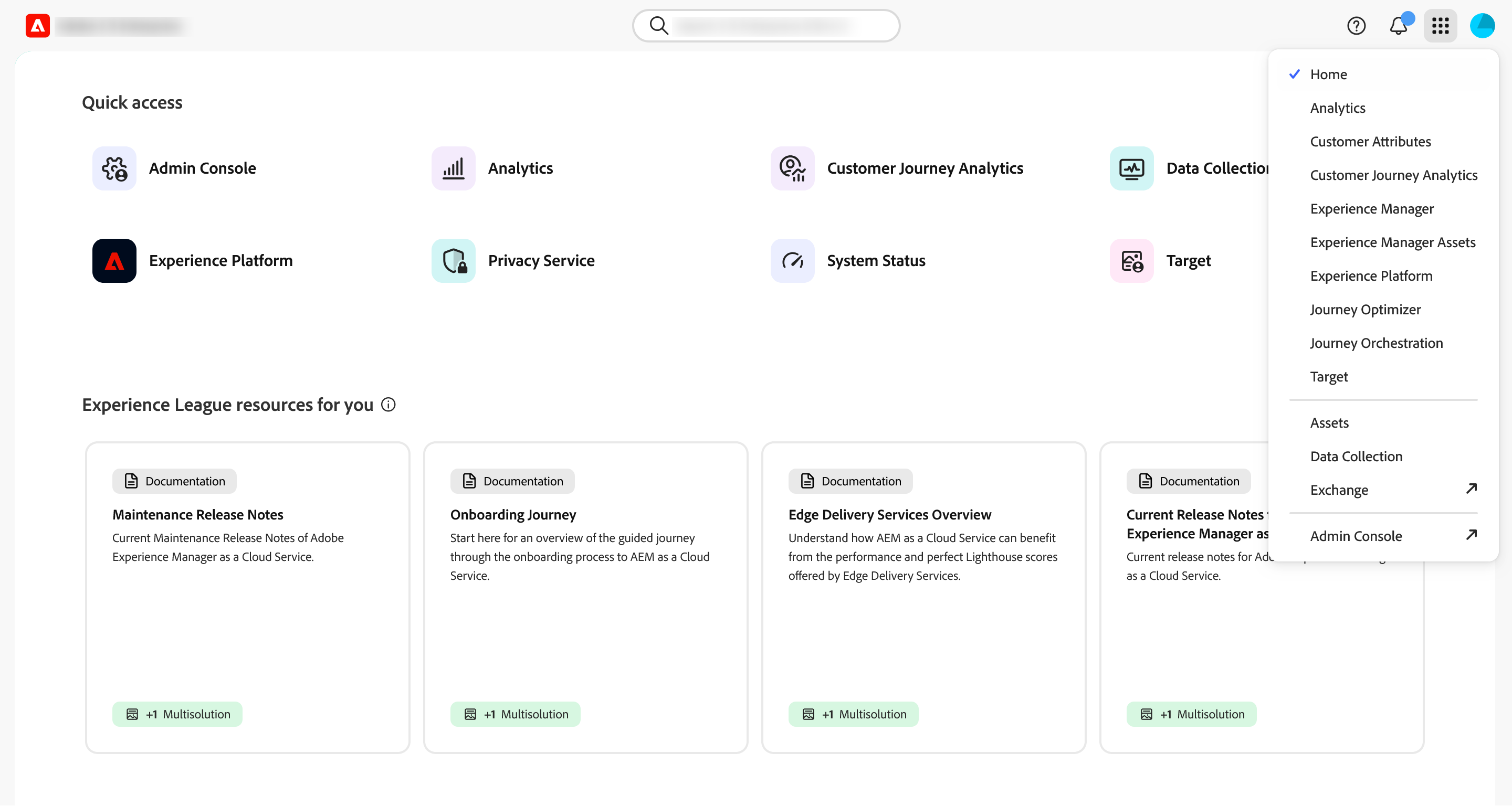
Access Adobe Analytics: experience.adobe.com → Analytics → Analysis Workspace
This article focuses on the concepts, architecture, and practical guidance behind the topic. For the latest UI walkthroughs and step-by-step implementation instructions, use the links below. They leave this site and open Adobe's own documentation in a new tab.